What's free, and what does the unlock add?
The free version has every block, volume shape and filter, slots 1 and 2, and 54 of the factory patterns,
with no time limit. The one-time unlock (£29.99) adds all 12 slots, all 192 patterns, up to four layers and saving your own patterns and blocks. Your projects keep every slot's pattern either way.
Which DAWs does it work in?
Any DAW that loads VST3 plugins, or AU on a Mac, such as Ableton Live, FL Studio, Logic Pro,
Cubase, Studio One, REAPER and Bitwig Studio. It's an effect, so it goes on an audio track, a bus
or your master.
How do I switch patterns with MIDI?
Send MIDI notes to the track simpleStutter is on: C picks slot 1, C# slot 2 and so on up to B for
slot 12, in any octave, and the switch lands exactly on the note. In a DAW that doesn't send MIDI
to effects, automate the Pattern parameter instead. Slots 3 to 12 come with the unlock.
Does it change the sound outside the blocks?
No. Where the pattern is empty you hear your track bit for bit, 32 samples late, and simpleStutter
tells your DAW about that delay so everything stays in time. While your DAW is stopped, it passes
the sound through too.
Can I save my own patterns?
With the unlock, yes. Save a pattern into My patterns, one of the factory categories or a
category of your own, and it's there in every project. Selected blocks save the same way, into their tool's row or a category of your own with its own colour, ready to stamp into any pattern. Copying and pasting whole patterns between slots and projects works in the free version too.
Is it like Gross Beat?
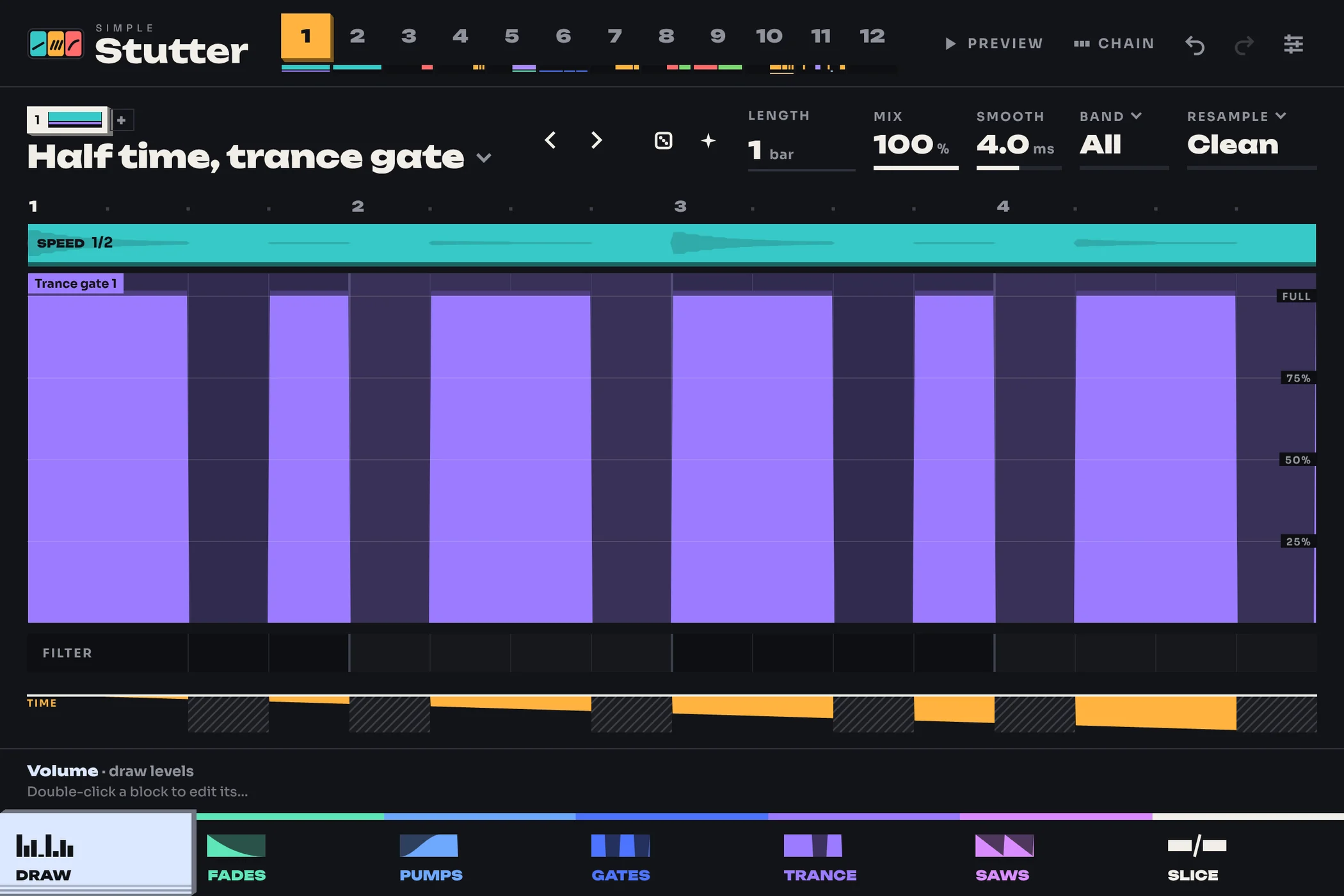
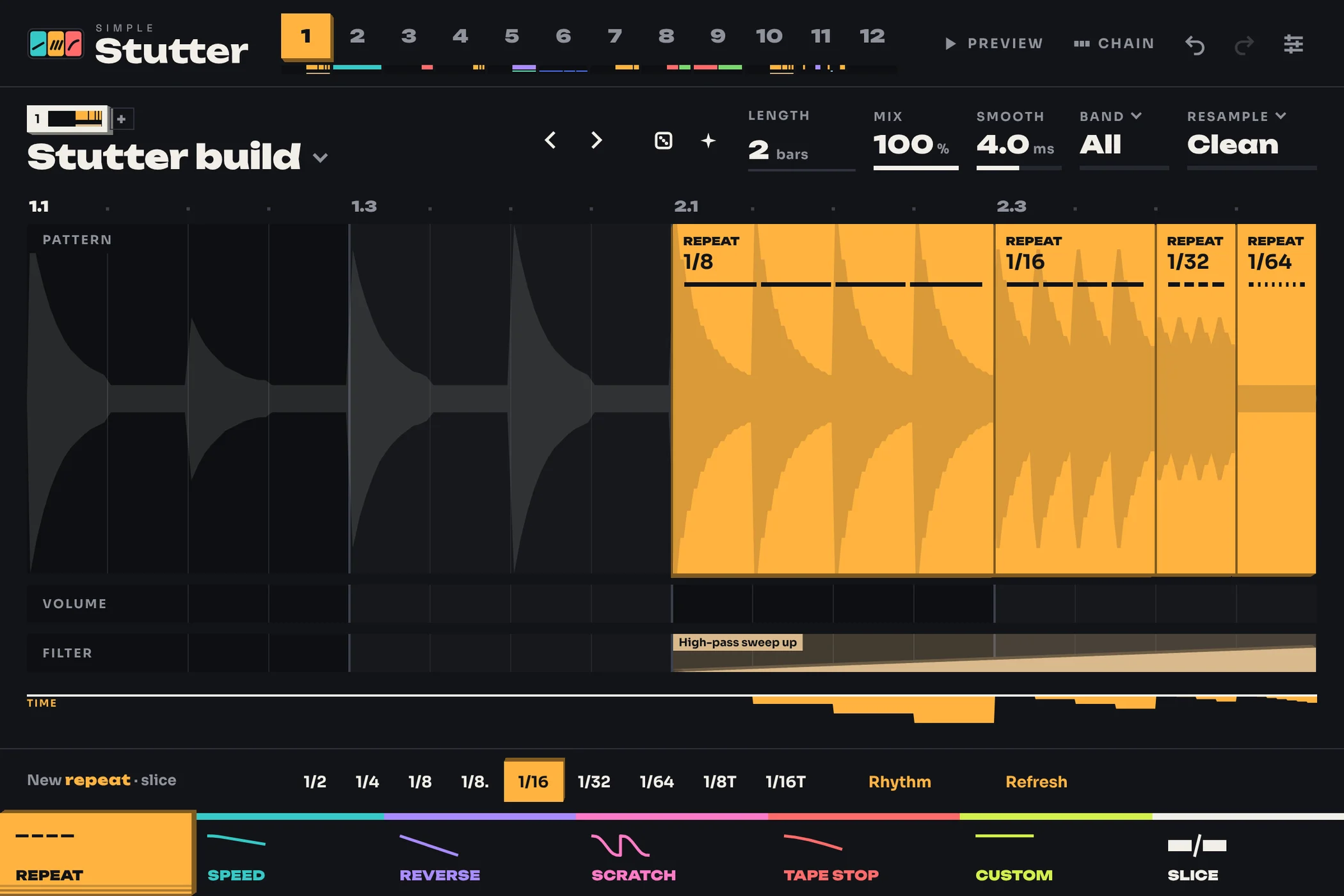
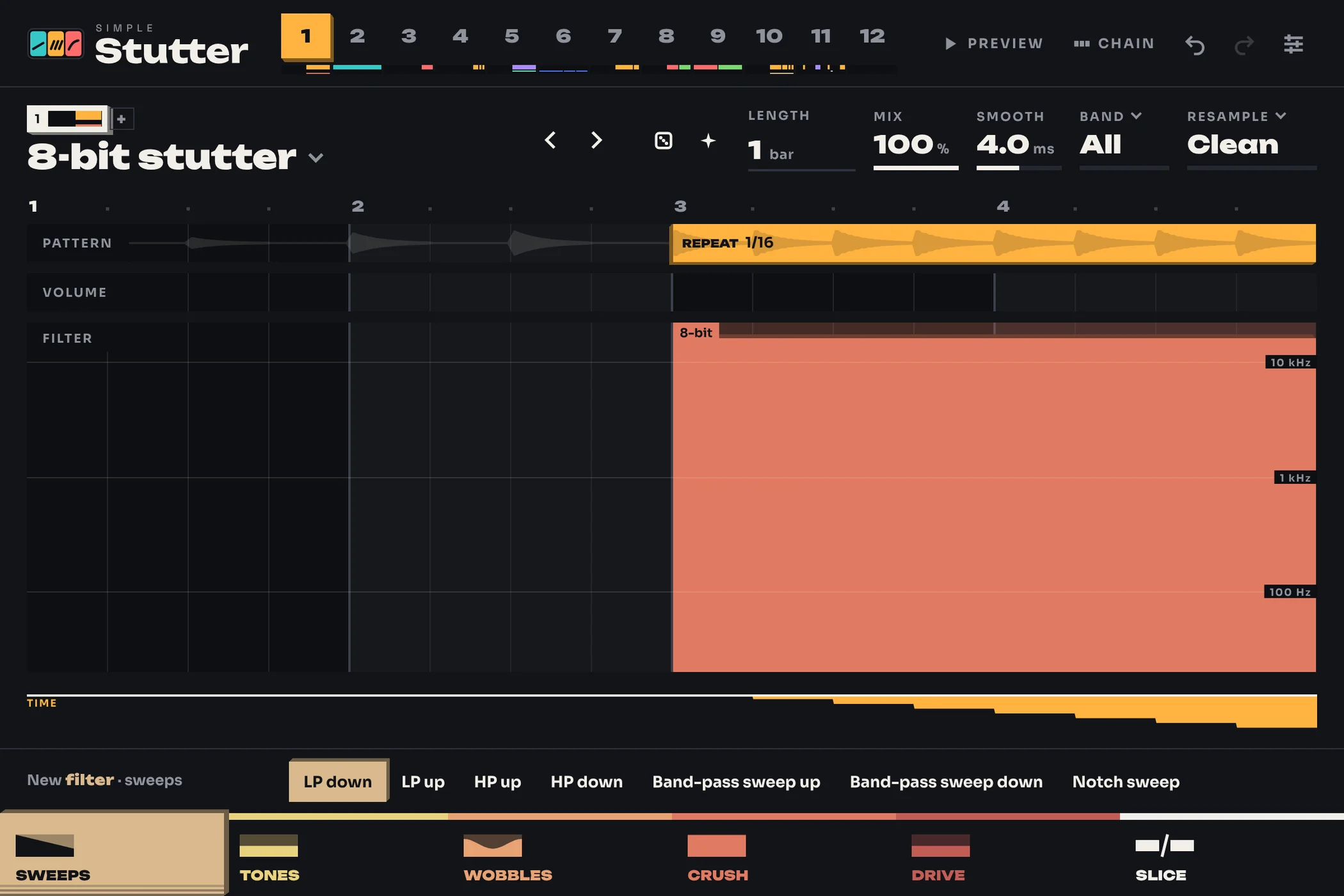
In the way it works, yes: you draw time effects on a grid with volume and filter effects in
lanes under them, locked to the beat, and switch patterns as the track plays. simpleStutter is my own
plugin, and I'm not affiliated with Image-Line, who make Gross Beat. I've compared it with the
free Gross Beat alternatives, and written up
halftime plugins, trance gates
and stutter effects on their own.