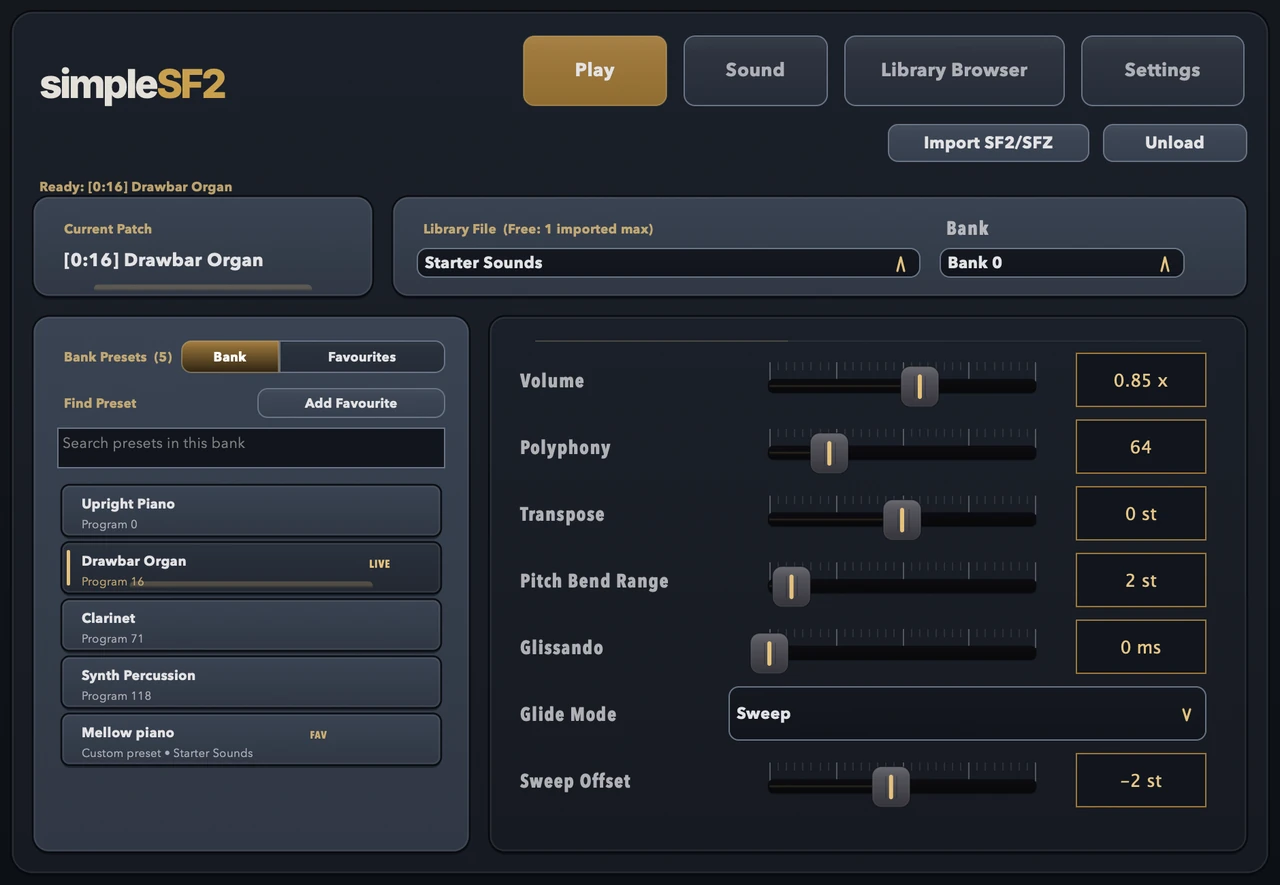
Can I save my own sounds?
Yes. Save As creates a named custom preset in your library with its filter and envelope settings. You can search, favourite, rename or delete it. Keep the original SF2 or SFZ library available: the preset stores your settings and a reference to that instrument.
What is an SF2 file?
SF2 is the SoundFont 2 format: a single file holding samples plus the settings that turn them into
playable instruments, often a whole bank of them. simpleSF2 plays them as a plugin inside your DAW.
More on SF2 files
Do I need to convert SF2 or SFZ first?
No. Load .sf2 / .sfz directly. simpleSF2 plays both formats, so there is no conversion step.
Does it work as an SF2 player VST in Ableton?
Yes. Install VST3 on Mac or Windows, scan plugins in Ableton Live, and load simpleSF2 like any
other instrument.
Is there a SoundFont player for Mac (Logic / GarageBand)?
Yes. macOS ships AU + VST3. Use the AU in Logic Pro / GarageBand.
Is it a VST or an AU?
Both. The macOS installer includes AU and VST3, the Windows installer VST3, and Linux gets a .deb
installer or a VST3 zip.
What does the free version do?
Everything except multiple libraries: SF2 and SFZ playback, preset browsing, favourites, playing
controls and project recall, one library per instance. The £9.99 unlock is a one-time purchase.
Is simpleSF2 the same plugin as simpleSoundbank?
Yes. The plugin was renamed from simpleSoundbank to simpleSF2, and simpleSoundbank is now the name
of the company that makes it. Existing licence keys and saved projects keep working.
Where do I get help?
Email support@simplesoundbank.com for activation,
refunds or anything else. Purchases are handled by Lemon Squeezy.